
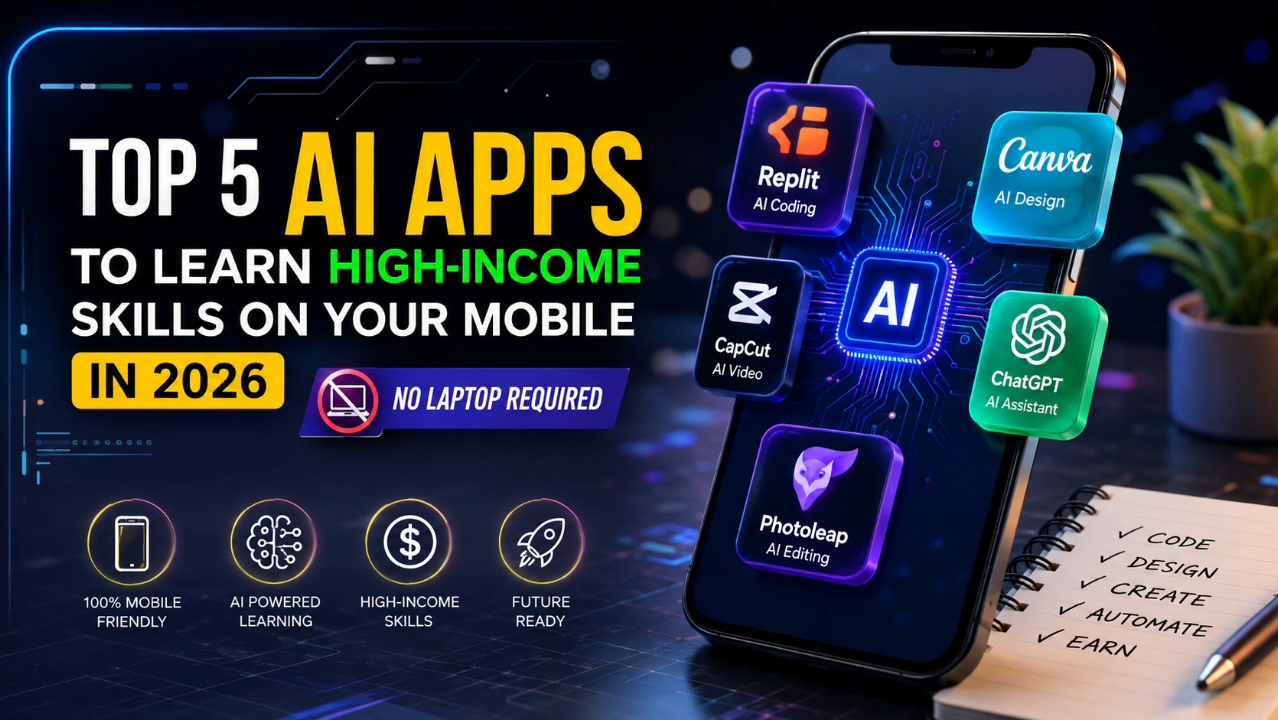
It used to be a common belief that learning a professional skill required an expensive laptop or a heavy desktop setup. In 2026, that reality has completely changed.
Thanks to modern smartphone processing power and the smart application of generative AI, the phone in your pocket is now a complete learning and working station. If you have an Android or iPhone and an internet connection, you can start building high-income skills on mobile right from home.
Read More: Blogging Future in 2026: Latest Good News for High Traffic
Below is a practical breakdown of 5 AI-powered mobile apps that will help you learn professional-level skills this year—without needing a PC.
1. Replit App (AI Code Assistant) – Mobile Development & Coding
Many tech enthusiasts want to learn coding or web development but never start because they lack a laptop. Replit’s mobile app has entirely removed this barrier.
-
Skills You Will Learn: HTML, CSS, JavaScript, Python, and basic web application development.
-
How AI Helps: ReplitReplit features an integrated AI assistant. When you type code on your mobile keyboard, the AI auto-completes the rest. If there is a bug in your code, the AI explains the issue in plain language and suggests exactly how to fix it.
-
How to Monetize: Fixing website bugs for small clients, building simple landing pages, and offering website customization services.
2. Canva Magic Studio – Mobile Graphics & Visual AI Design
Graphic design is no longer limited to heavy Photoshop tools. The Magic Studio AI integrated into Canva’s mobile app makes it possible to learn professional design directly from your phone.
-
Skills You Will Learn: Brand identity design, YouTube thumbnail creation, social media banners, and e-book cover design.
-
How AI Helps: You can generate ideas using Text-to-Image, widen image frames with Magic Expand, and seamlessly remove unwanted objects with the AI Eraser—all with just a few taps.
-
How to Monetize: Offering freelance services to local businesses or content creators by designing social media posters, thumbnails, and branding materials.
3. CapCut Mobile (AI-Powered Video Creation) – Short-Form Content Editing
With the massive popularity of YouTube Shorts, Instagram Reels, and TikTok, short-form video editors are currently in incredibly high demand.
-
Skills You Will Learn: Color grading, sound design, trending caption generation, and fast-paced editing.
-
How AI Helps:
-
Auto Captions: Generates highly accurate subtitles by listening to the voiceover.
-
Script-to-Video: Feed it a script, and the AI drafts a video complete with stock footage and a voiceover.
-
Smart Cut: Automatically detects and removes unwanted silences or pauses with a single click.
-
-
How to Monetize: Repurposing long-form videos into Shorts/Reels for YouTubers or influencers, and editing promotional short videos for brands.
4. ChatGPT / Claude Mobile App – Prompt Engineering & Content Strategy
Using an AI app is one thing, but knowing how to extract exactly what you need from it is another. This skill is called Prompt Engineering.
-
Skills You Will Learn: Copywriting, SEO blog writing, business email customization, and data structuring.
-
How AI Helps: You can use the voice mode on the ChatGPT or Claude mobile apps to practice prompting through natural conversation. If you struggle to understand a concept, the AI acts as a real-time tutor to explain it to you.
-
How to Monetize: Drafting blog content for digital agencies, writing product descriptions, and handling social media copywriting.
5. Mimo / SoloLearn (AI Tutor Integrated) – Interactive Learning
If you want to learn complex technical subjects step-by-step in a gamified way, Mimo or SoloLearn are highly effective.
-
Skills You Will Learn: Data analysis (SQL, Python), web development, and coding logic.
-
How AI Helps: These apps come with integrated AI tutors. If you get stuck on a quiz or coding exercise, the AI doesn’t just give you the answer; it provides hints to help you figure it out, building your real-world problem-solving skills.
-
How to Monetize: Remote internships as a junior web developer, basic data entry and cleaning, or taking on small freelance coding projects.
A Realistic Roadmap for Mobile Learning
The Reality Check (Observation): Your mobile phone will make the learning process accessible, but remember—smartphones have limitations. Start working with your phone, but once you earn your first income, your immediate goal should be to invest in a laptop or PC so you can scale your work to a professional level.